Audit logs give you a chronological set of activity records that have affected your databases and Upstash account. You can see the list of all activities on a single page. You can access your audit logs underDocumentation Index
Fetch the complete documentation index at: https://upstash.com/docs/llms.txt
Use this file to discover all available pages before exploring further.
Account > Audit Logs in your
console:
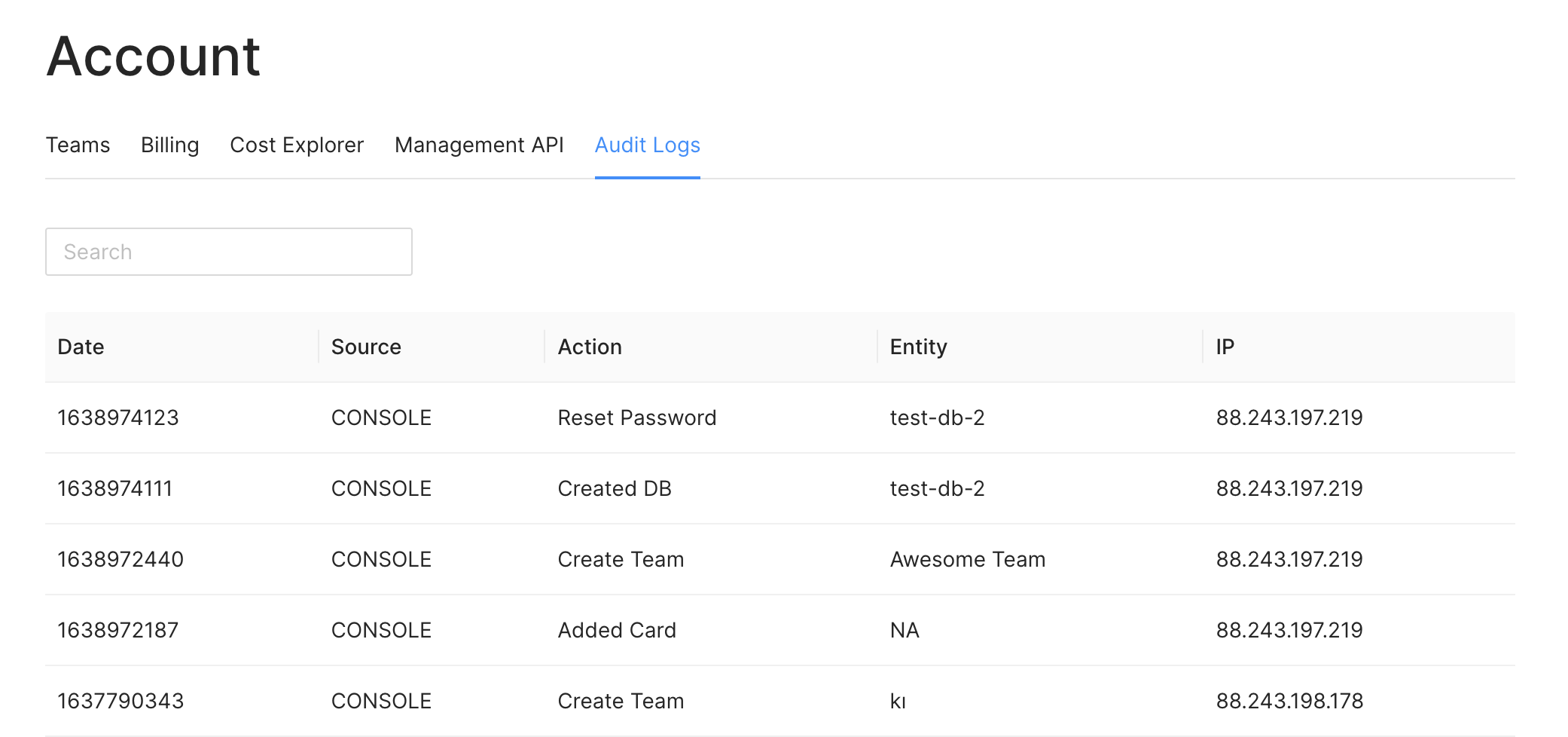
Source column shows if the action has been called by the console or via
an API key. The Entity column gives you the name of the resource that has been
affected by the action. For example, when you delete a database, the name of the
database will be shown here. Also, you can see the IP address which performed the
action.