

The Developer API is only available to native Upstash accounts. Accounts created via third-party platforms like Vercel or Fly.io are not supported.
Create an API key
-
Log in to the console, then open
Accountand click theDeveloper APItab. -
Click the
Create API Keybutton.
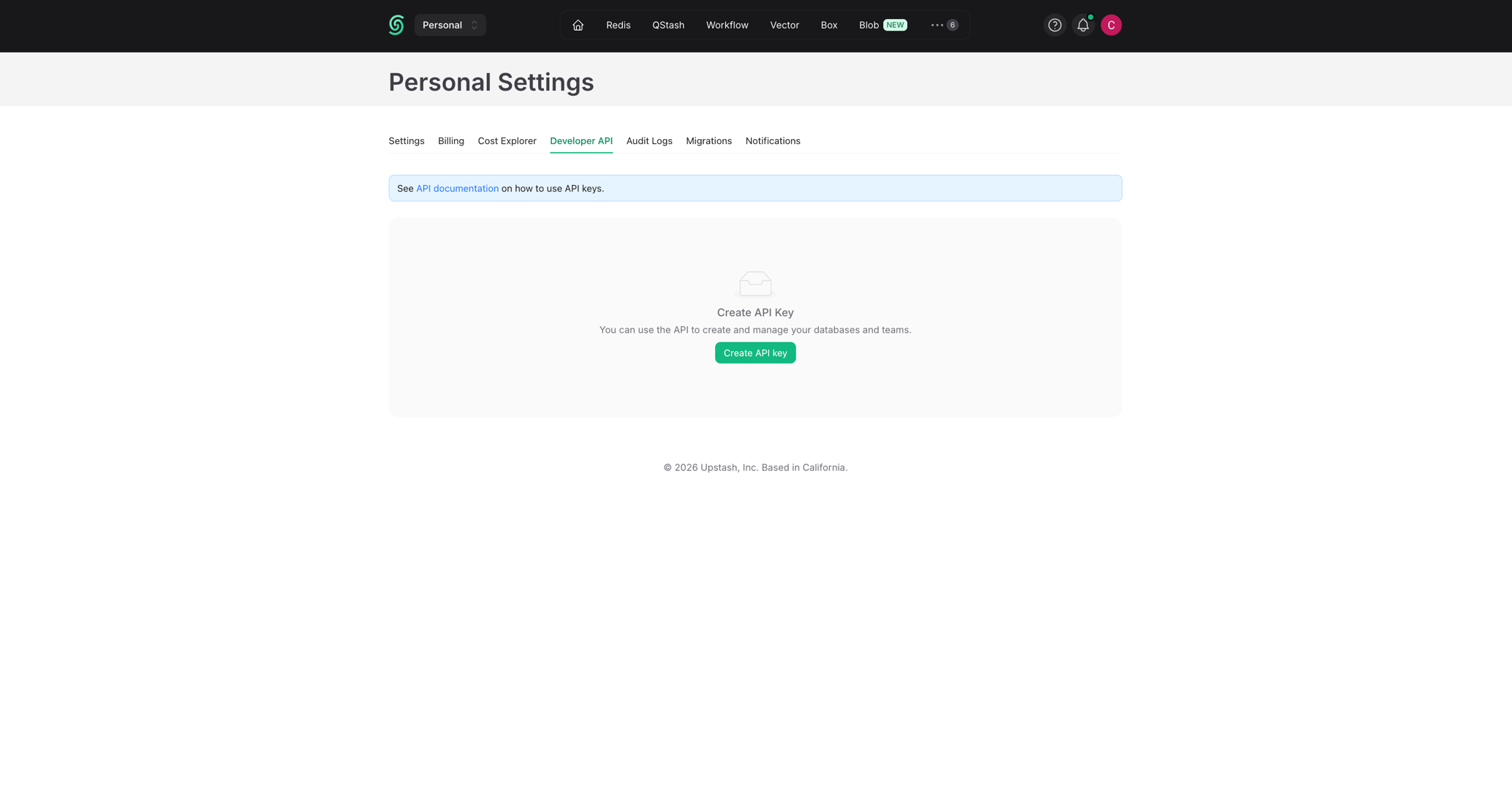
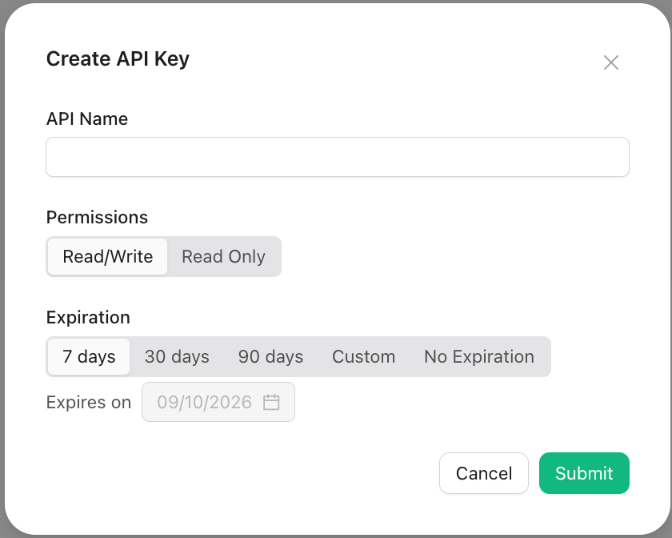
- Enter a name for your key (you can not use the same name for multiple keys),
choose the permissions (
Read/WriteorRead Only) and an expiration, then clickSubmit.
You can create multiple keys. It is recommended to use different keys in different applications. By default one user can create up to 37 API keys. If you need more than that, please send us an email at support@upstash.com
Deleting an API key
When an API key is exposed (e.g. accidentally shared in a public repository) or not being used anymore; you should delete it. You can delete the API keys in theAccount > Developer API tab.