Upstash Workflow requires your application to be publicly accessible in production.
The recommended approach is running the development server we provide locally and work with local addresses.
An alternative is to making your application publibly accessible so that you can work with the managed Upstash Workflow servers.
The easiest way to make a local URL publically available is ngrok, a free tunneling service.
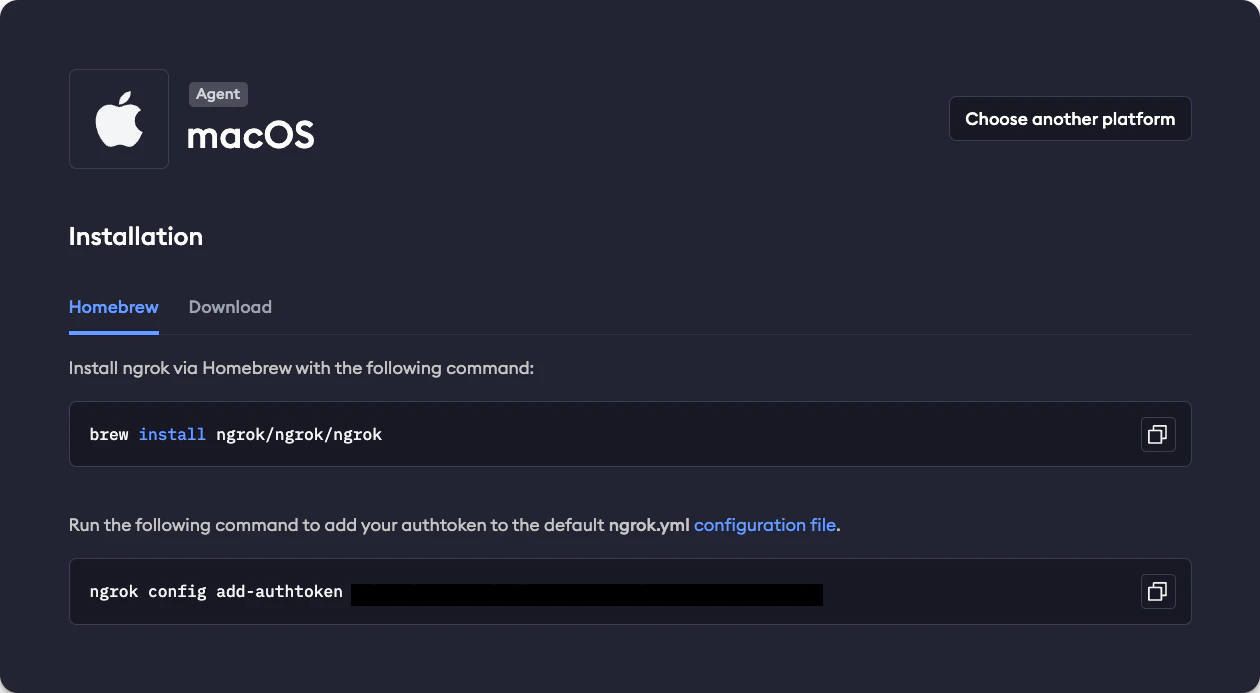
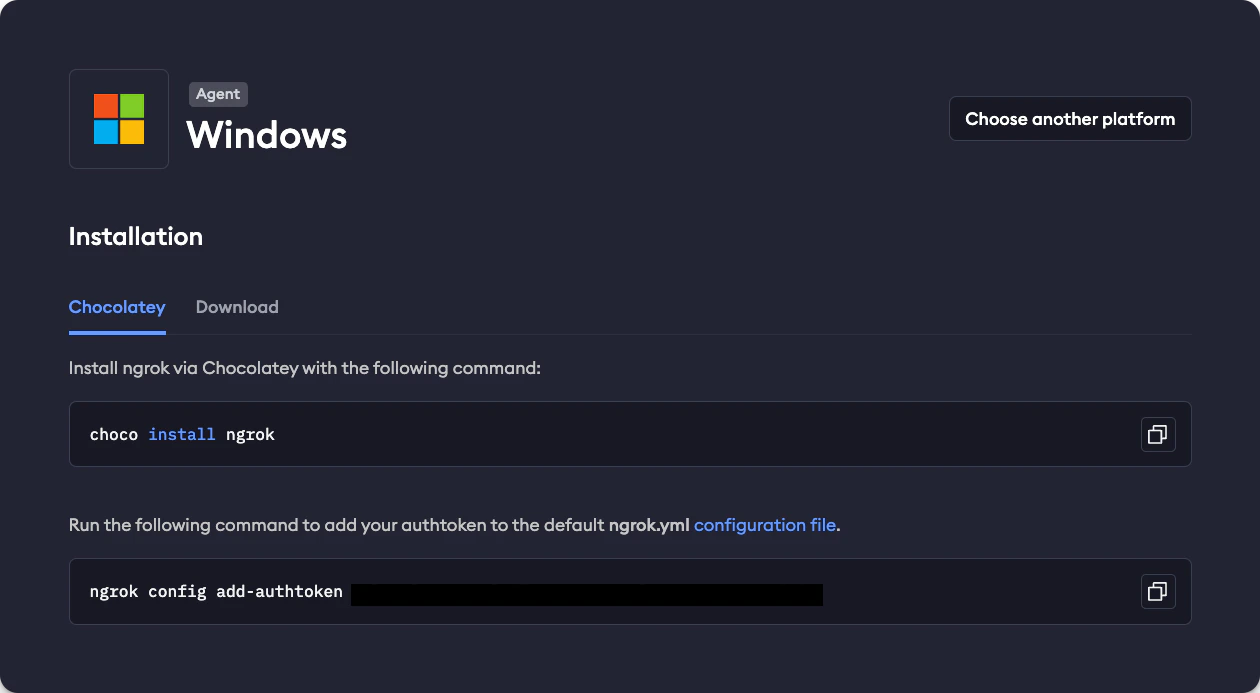
Create an account on dashboard.ngrok.com/signup and follow the setup instructions to download the ngrok CLI and connect your account. This process takes only a few minutes and is totally free.
You can connect your account like this:
Once you have installed the ngrok CLI, add your ngrok-issued auth token like this:
and replace <YOUR-AUTH-TOKEN> with your actual auth token.
Start the tunnel
Make your local server available publically by running the following command:
for example, if your Next.js server is running on port 3000, the command is:
The output will look something like this:
The long URL in the Forwarding line serves the same purpose as your localhost URL, the only difference being that it is publically accessible. We need this URL to make our workflow available to QStash for local development, either as the baseUrl parameter or the UPSTASH_WORKFLOW_URL environment variable (both options provide the same functionality).
Note: The UPSTASH_WORKFLOW_URL environment variable is only necessary for local development. In production, the baseUrl parameter is automatically set and can be omitted.
Ensure that the port of your local server matches the one you’re using with ngrok. For example, if your server is
running on port 8080, use ngrok http 8080.